Data Protection in HelloClient
We take data security seriously and build our infrastructure to ensure that user information remains protected at every stage of working with the service.
Where Data Is Stored
Section titled “Where Data Is Stored”Our servers are hosted by the professional provider Selectel — a modern infrastructure with a high level of physical and network security.
Access to systems is restricted, and all data operations are monitored.
How We Protect Information
Section titled “How We Protect Information”We use a comprehensive set of security measures, including:
-
Restricting employee access to data
We provide role-based access settings for employees, which you can configure independently.
-
Regular system monitoring and control
Important operations, such as company deletion or transfer of access rights, are carried out through support chat with thorough specialist verification.
-
Server infrastructure and network access protection
-
Use of cookies
They help to:
- save user preferences;
- ensure secure login;
- improve website performance.
Internal Personal Data Incident Response Policy
How You Can Protect Your Account
Section titled “How You Can Protect Your Account”- Do not share verification codes or passwords with third parties;
- Use a unique and strong password for logging into our program and for your email;
- Do not log into your account from чужих or public devices;
- Regularly update your browser and operating system;
- Monitor activity in the program using the Activity Log;
- Contact our support team if you have any doubts.
Important to Know
Section titled “Important to Know”If you or your clients receive suspicious calls or messages, this does not necessarily mean there has been a data leak from our system.
Such incidents can occur on different sides and are not always related to a single specific service. Possible sources include:
- Email account compromise due to a weak password;
- Banks and financial institutions;
- Integrations and external services — mailing services, analytics tools, etc.;
- Mobile operators;
- Third-party apps and online services used by clients;
- Users’ own devices — phishing links, malware;
- Other websites and services where the user has previously shared their data.
What to Do in Case of a Data Leak
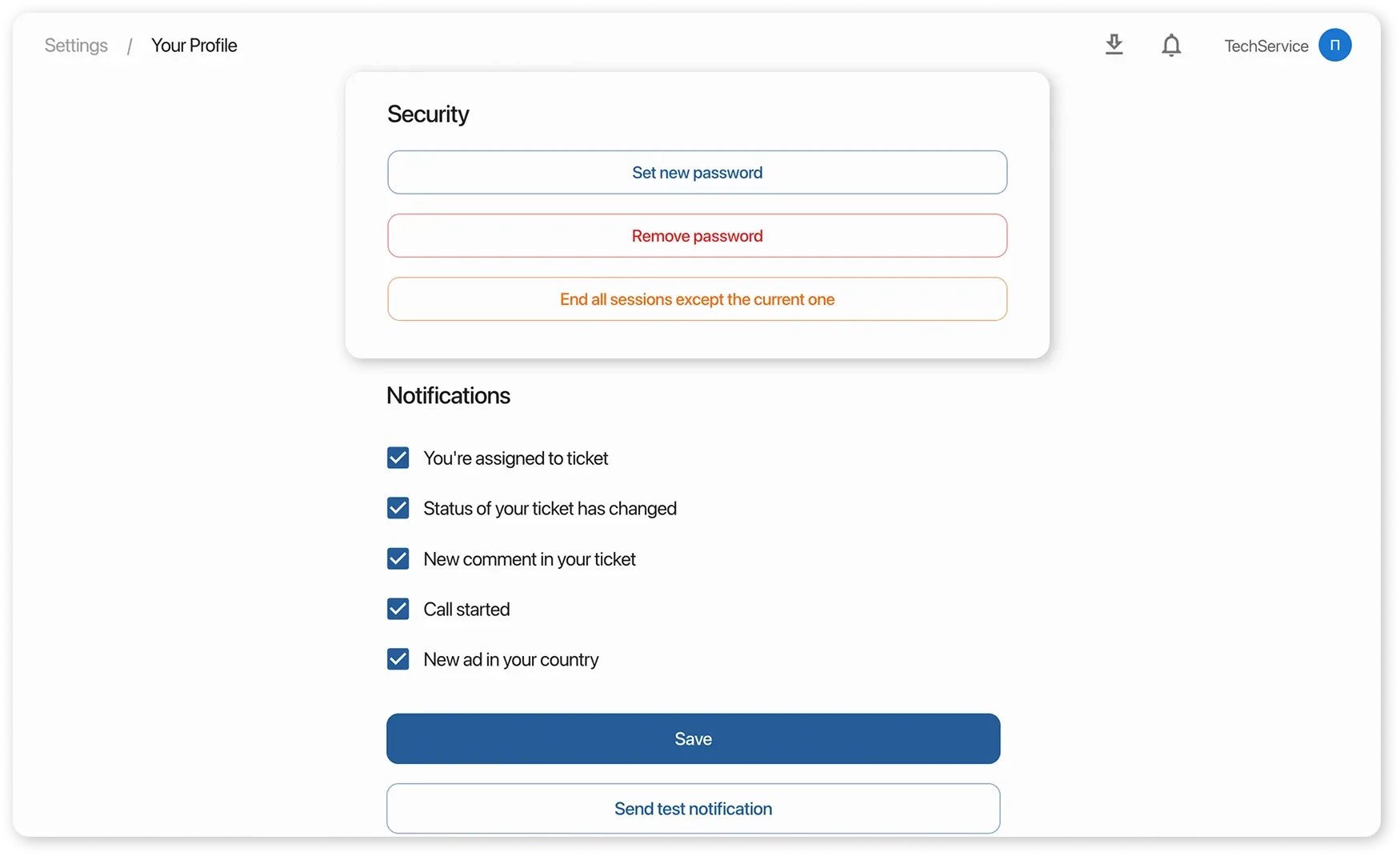
Section titled “What to Do in Case of a Data Leak”- End all active sessions: open the “Settings” → “Your Profile” section.
- Change your CRM password and make sure to update it in all services where the same password was used.
- Check login history via the Activity Log and make sure there is no suspicious activity.