Product Photos in Inventory
Added product photos to inventory.
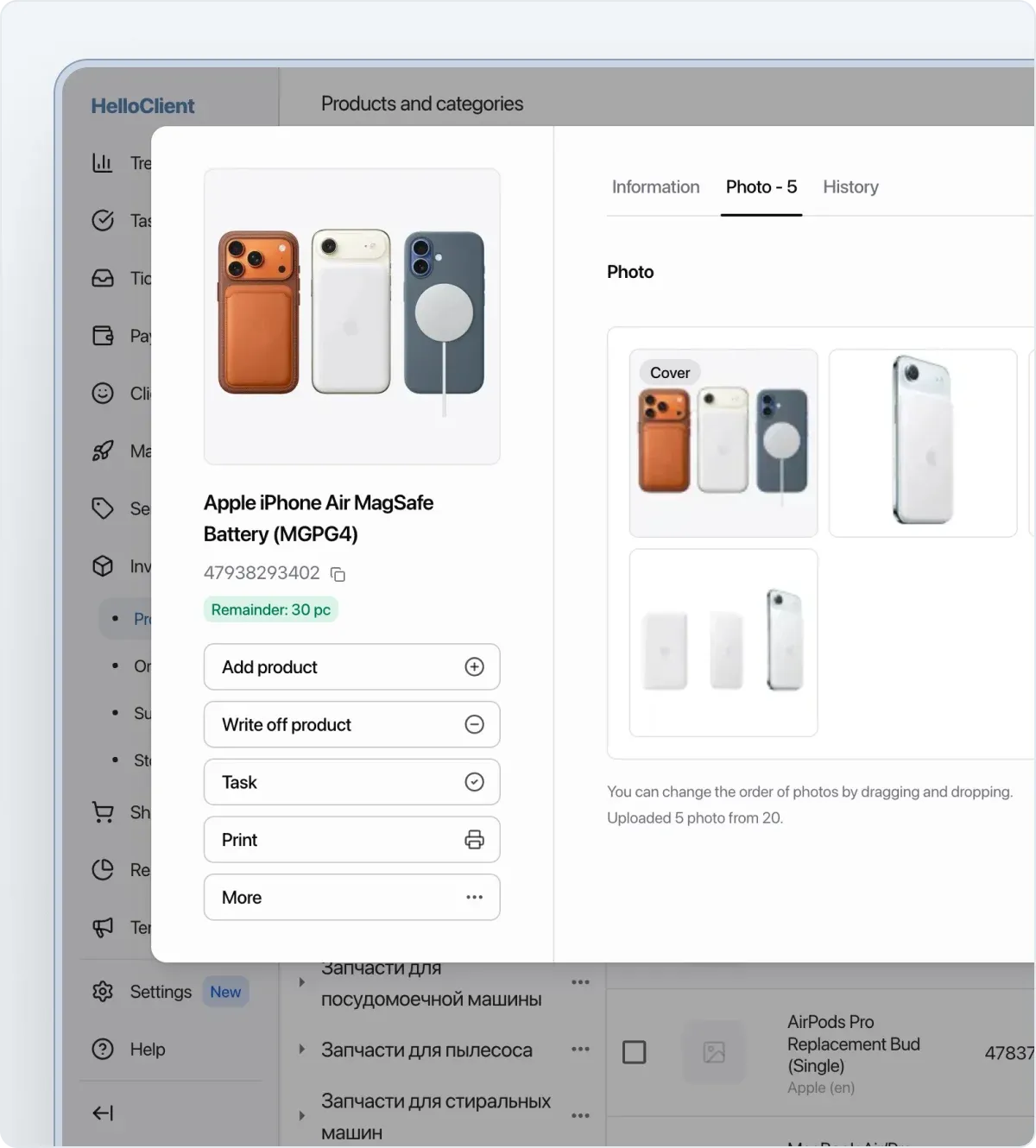
Now you can attach up to 20 images per product. Upload from your device or capture with a camera. All visual product info is always at your fingertips.
Where product photos appear?
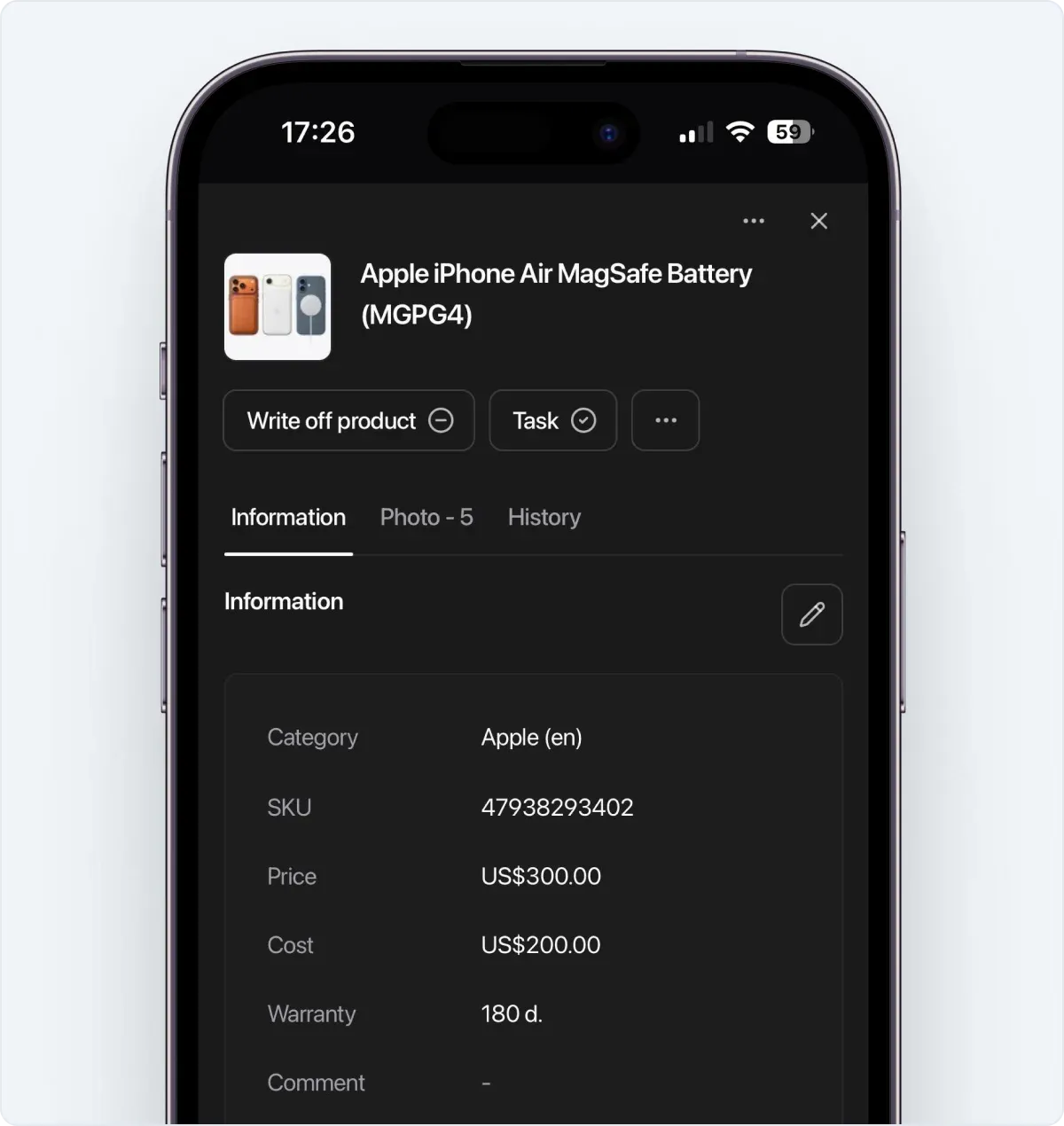
Section titled “Where product photos appear?”- In the product card — a dedicated section with all photos, reorder by dragging
- In the product table — cover image in the list
- When adding to an order or sale
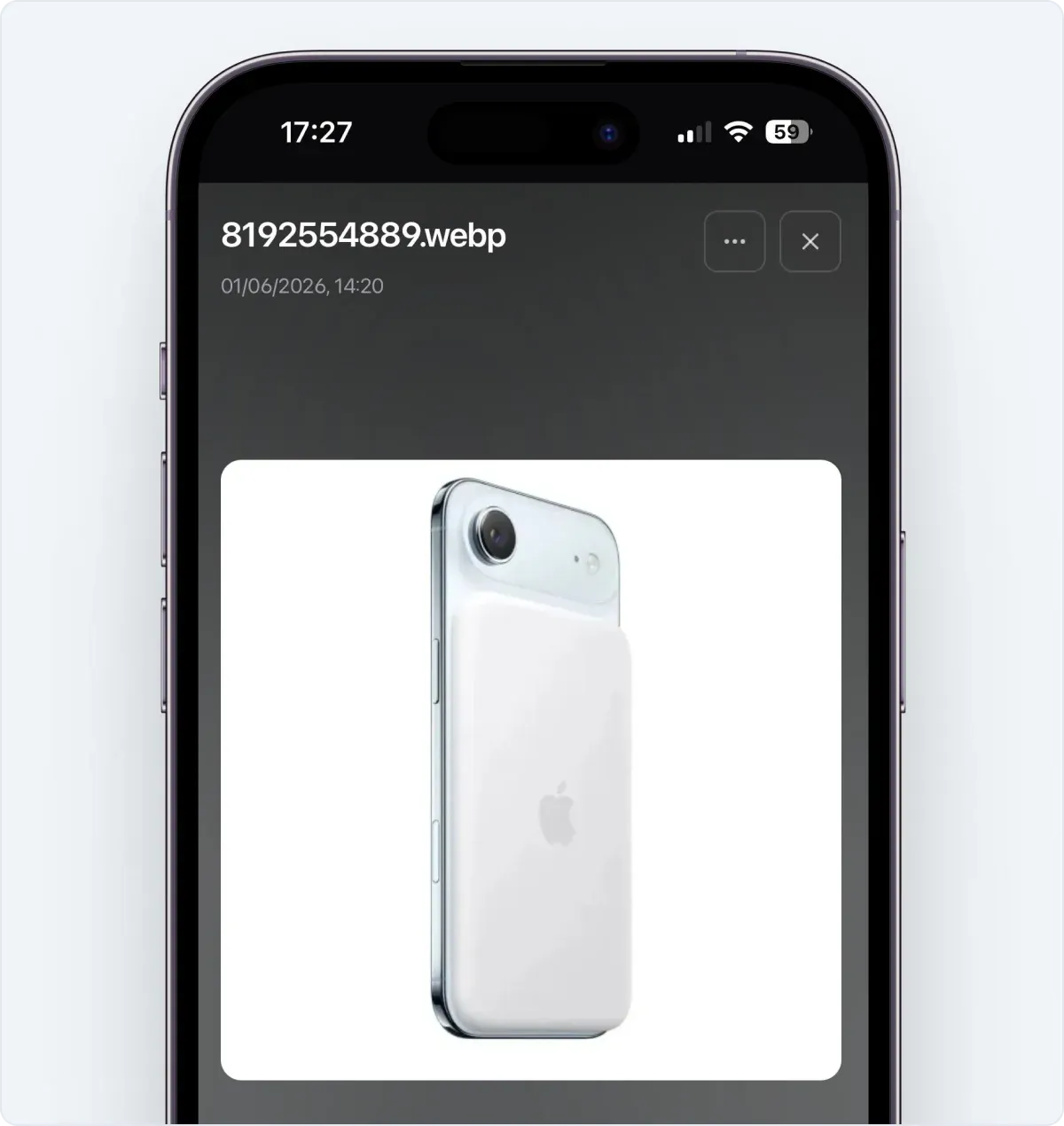
Full-screen viewer
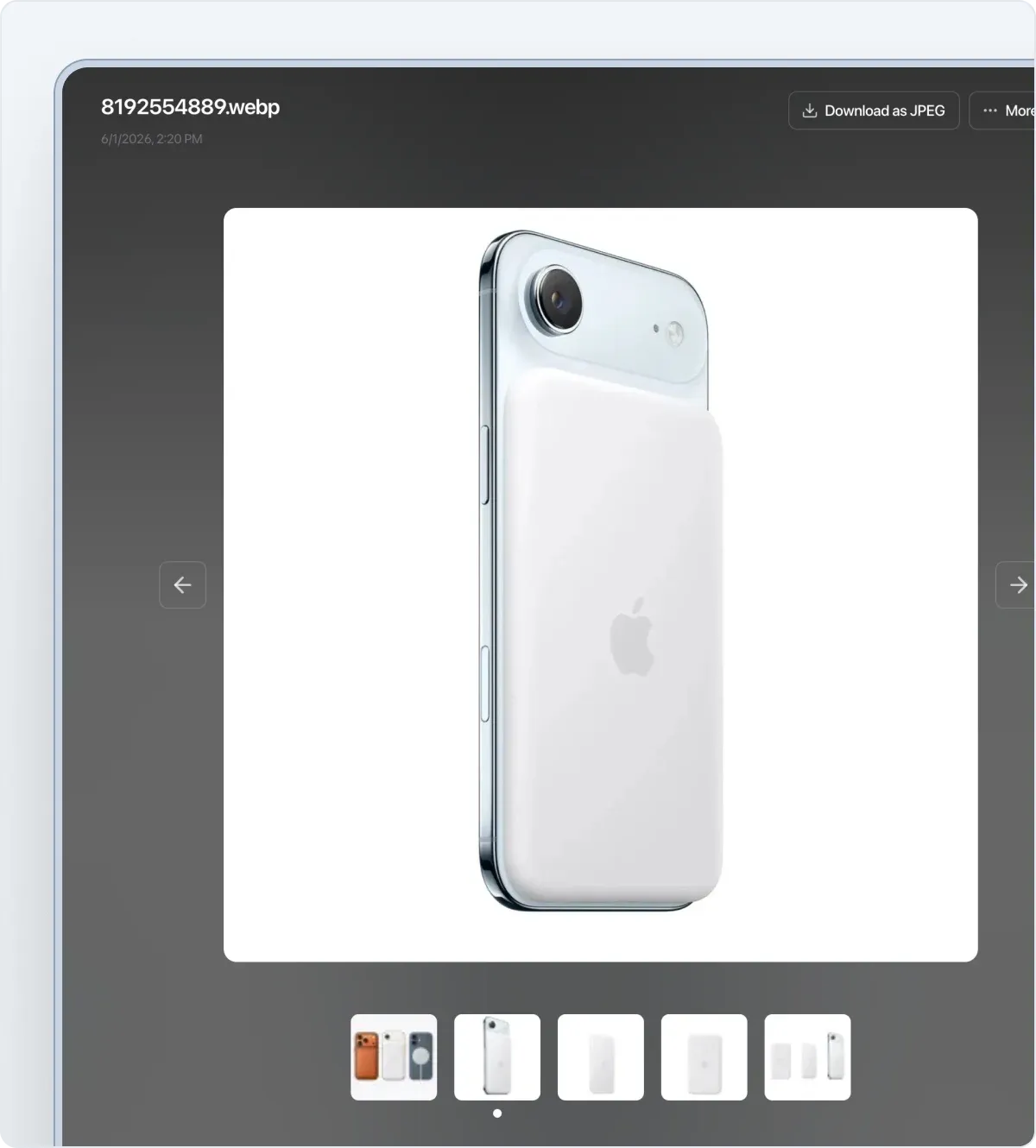
Section titled “Full-screen viewer”Completely redesigned the viewing experience. Photos open in full screen, with a filmstrip of all images at the bottom for quick switching. Download to device in one click.
Product cover
Section titled “Product cover”Choose a main photo — it appears in the product list, on the card, and when adding to orders.
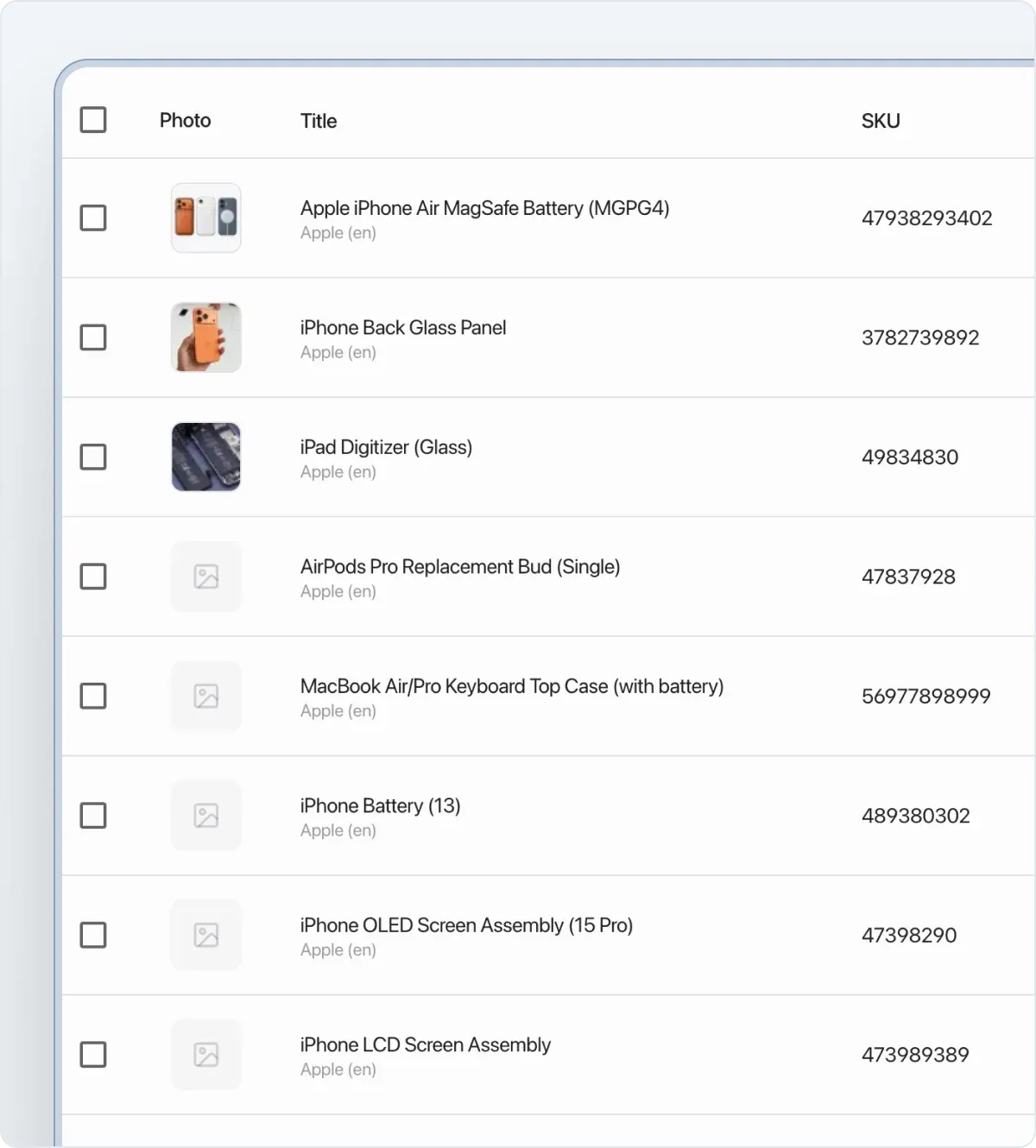
Updated product card
Section titled “Updated product card”- Key info and actions are now on the left side of the card.
- Quick SKU copy.
Full mobile version
Section titled “Full mobile version”All features available in the mobile app without restrictions: camera capture, gallery upload, full-screen viewer, and cover photo selection.
Export to website and external catalogs coming in the future.
What else changed with files
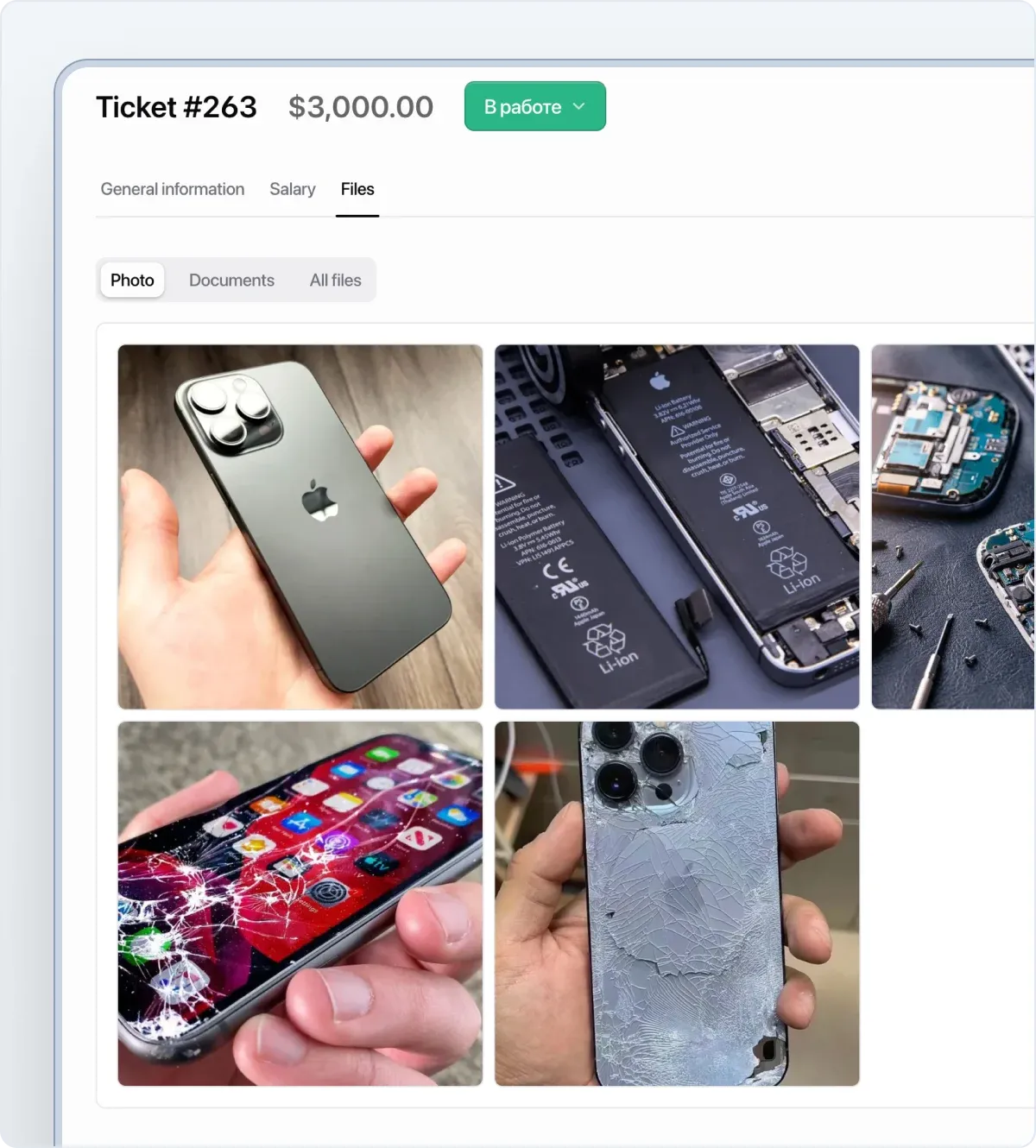
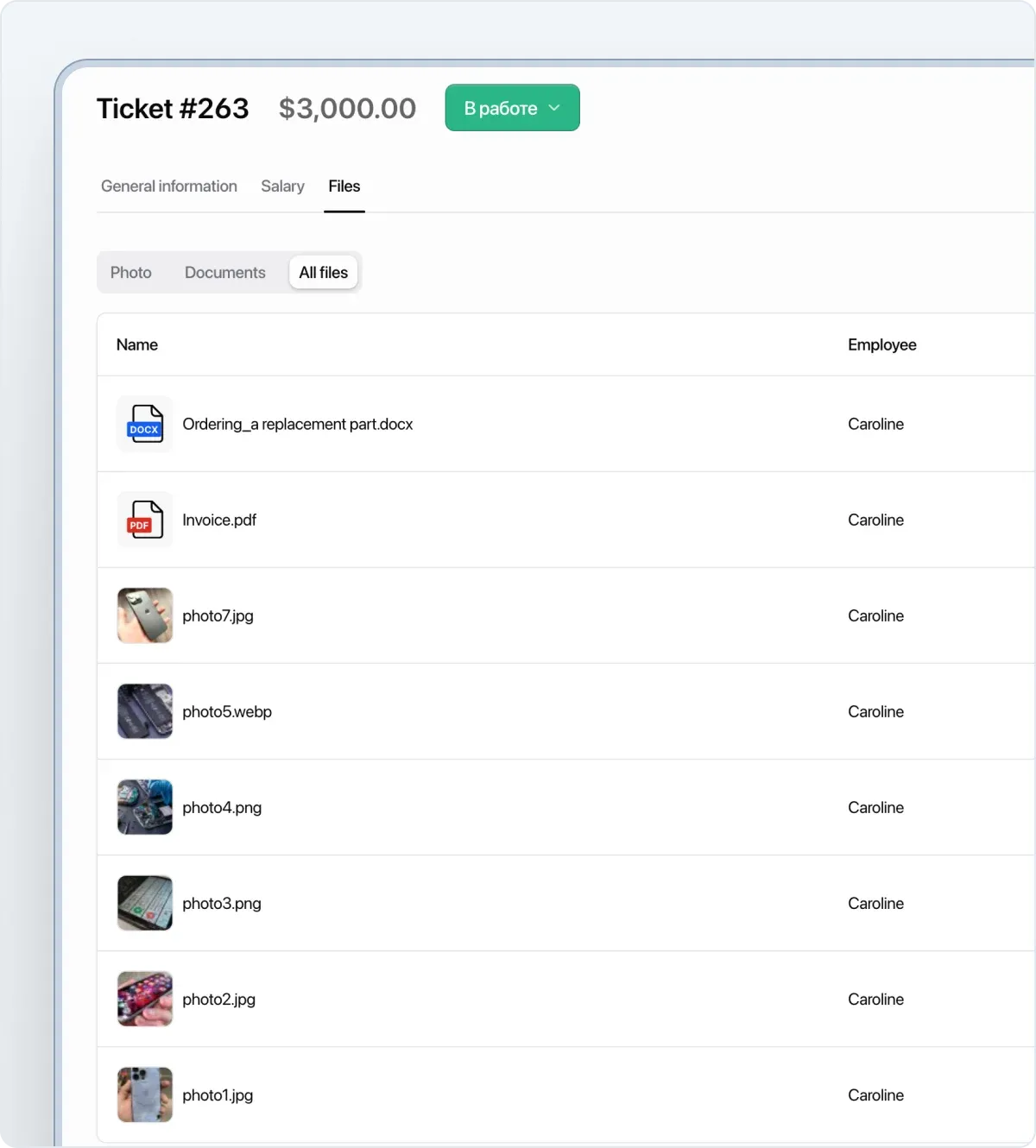
Section titled “What else changed with files”- A dedicated file section in orders — gallery of all images and document list
- Quick document download — PDF, DOCX, and other formats download in one click
- Photo previews in order history